> ## Documentation Index
> Fetch the complete documentation index at: https://nuggets.life/docs/llms.txt
> Use this file to discover all available pages before exploring further.
# Accounts Portal
> Central management hub for AI agents, OIDC clients, and authentication requests. Create personal and organization accounts with KYB verification.
Once you have setup your [identity wallet](/docs/getting-started/identity-wallet-setup) you are then able to access the Nuggets Accounts Portal
## What is the Accounts Portal?
The Accounts Portal is your central hub for managing all aspects of your integration with our platform. It offers a streamlined interface where you can easily create and manage the following:
Create Authentication to securely identify and authorize AI agents. These clients help ensure that AI-generated activity is tied to a validated source, enhancing trust and compliance.
Use the portal to generate and send authentication requests via email. These are often used for verification workflows such as Right to Work, KYB, or identity confirmation. Once a Check is created, the recipient will receive a secure email link to complete the required process.
OpenID Connect (OIDC) Clients for developers who want to integrate our authentication system directly into their own applications. These clients allow seamless Nuggets experiences via industry-standard protocols.
## Getting Started
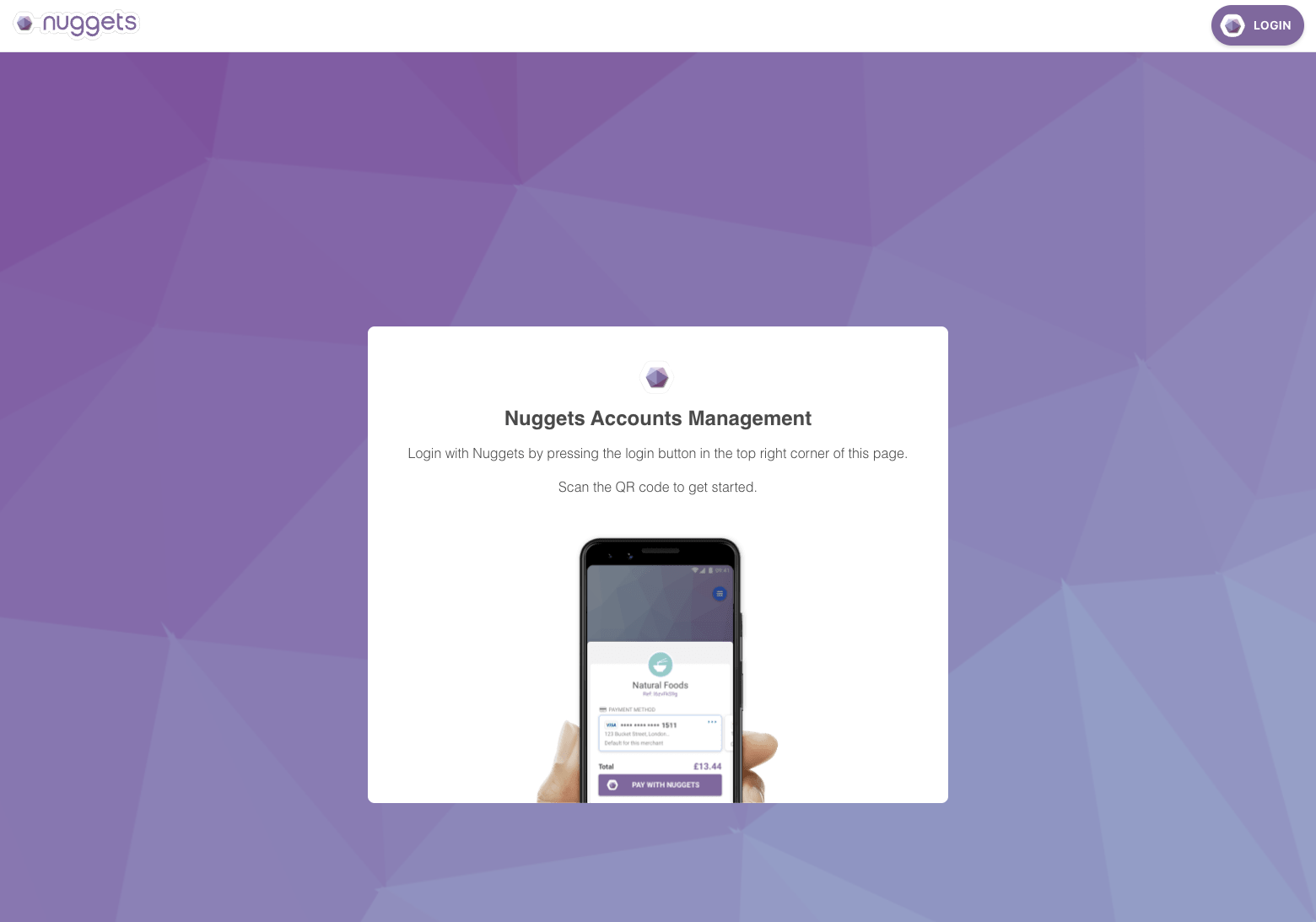
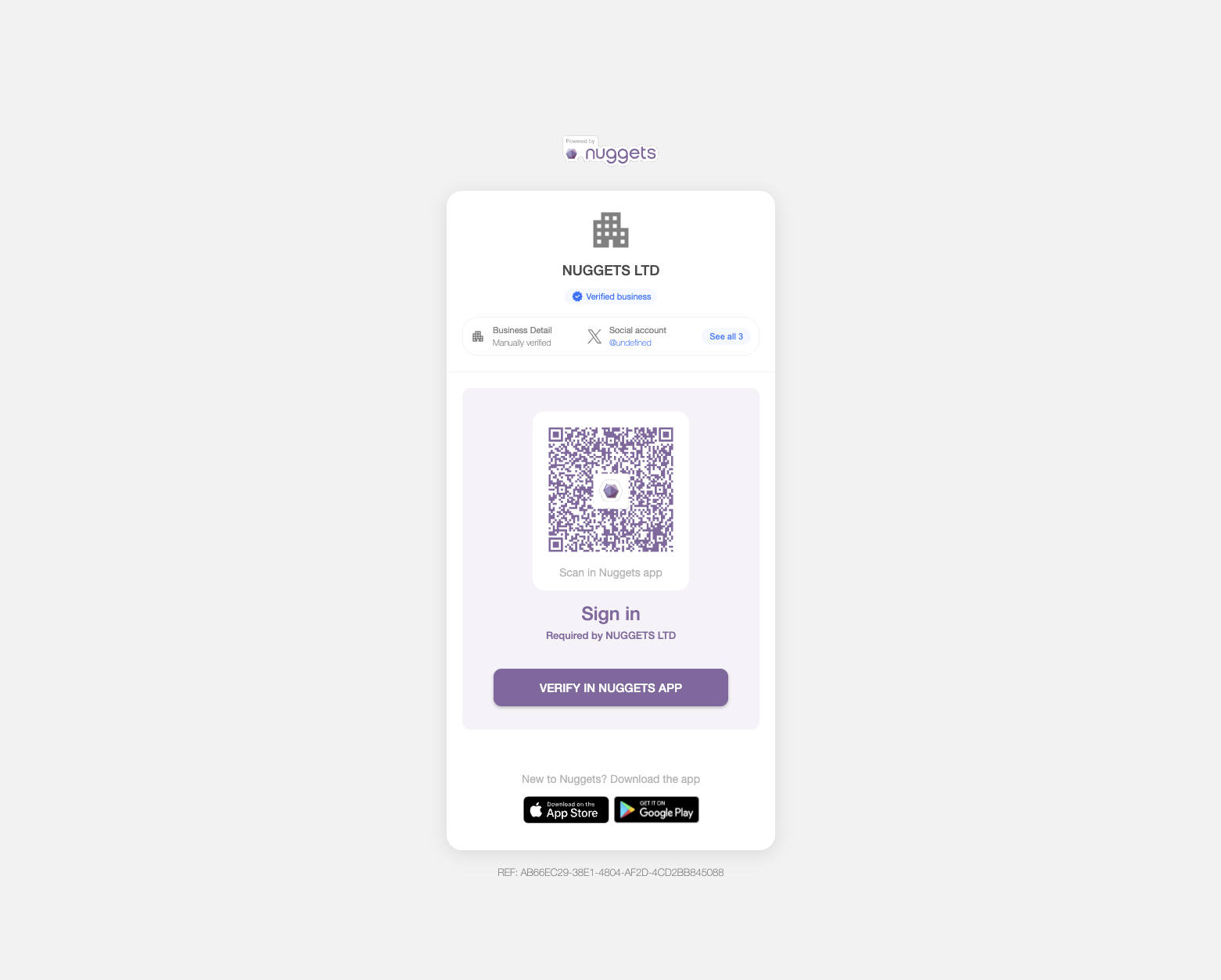
To create an account within the portal, simply [sign in](https://accounts.nuggets.life/) using the newly created profile in your Nuggets App. Logging in creates a secure connection between a newly-created account on the portal and the user's identity wallet.
 ## Personal Account
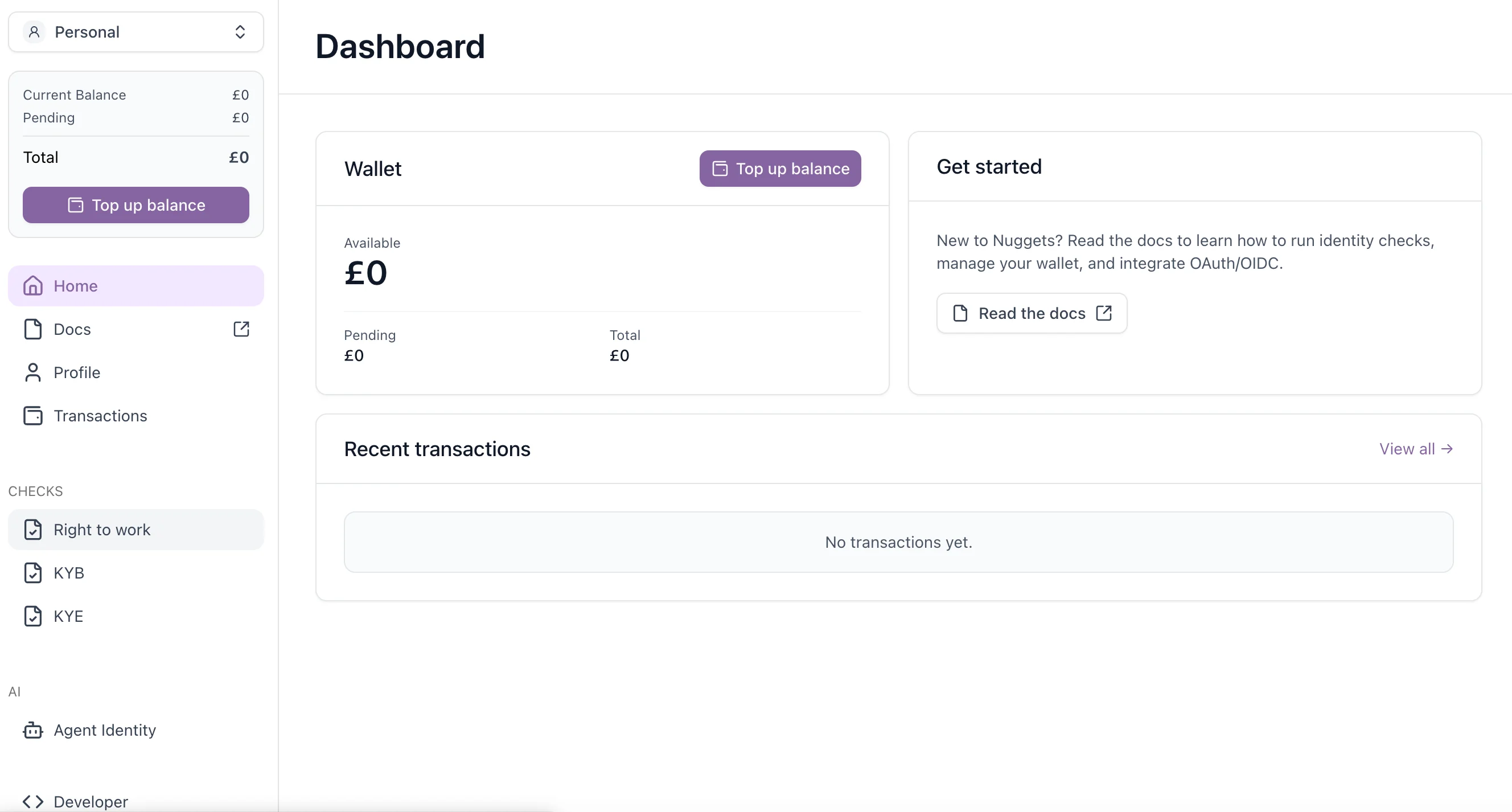
When you first sign in, a personal account is automatically created. This is great for testing the features of the portal and understanding more about the Nuggets eco-system.
## Organisation Account
Before creating an organisation in the portal, you'll need to first add your business to your identity wallet. This step involves completing our Know Your Business (KYB) verification process.
## Personal Account
When you first sign in, a personal account is automatically created. This is great for testing the features of the portal and understanding more about the Nuggets eco-system.
## Organisation Account
Before creating an organisation in the portal, you'll need to first add your business to your identity wallet. This step involves completing our Know Your Business (KYB) verification process.
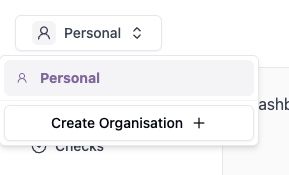 After creating your organisation, you'll need to link your business details from your identity wallet to complete the setup.
### Get more from your account. Add your organisation.
Adding your organisation account gives you access to powerful features like:
* **Manage employee access and roles** directly within the portal.
* **Issue Right to Work checks** efficiently through a centralised interface.
* **Display verified business credentials to end users**, ensuring transparency and building trust.
* **Enable collaborative management** by assigning multiple personal accounts to a single organisation profile.
After creating your organisation, you'll need to link your business details from your identity wallet to complete the setup.
### Get more from your account. Add your organisation.
Adding your organisation account gives you access to powerful features like:
* **Manage employee access and roles** directly within the portal.
* **Issue Right to Work checks** efficiently through a centralised interface.
* **Display verified business credentials to end users**, ensuring transparency and building trust.
* **Enable collaborative management** by assigning multiple personal accounts to a single organisation profile.